Sign up and log in
Sign up
Section titled “Sign up”You can sign up two ways:
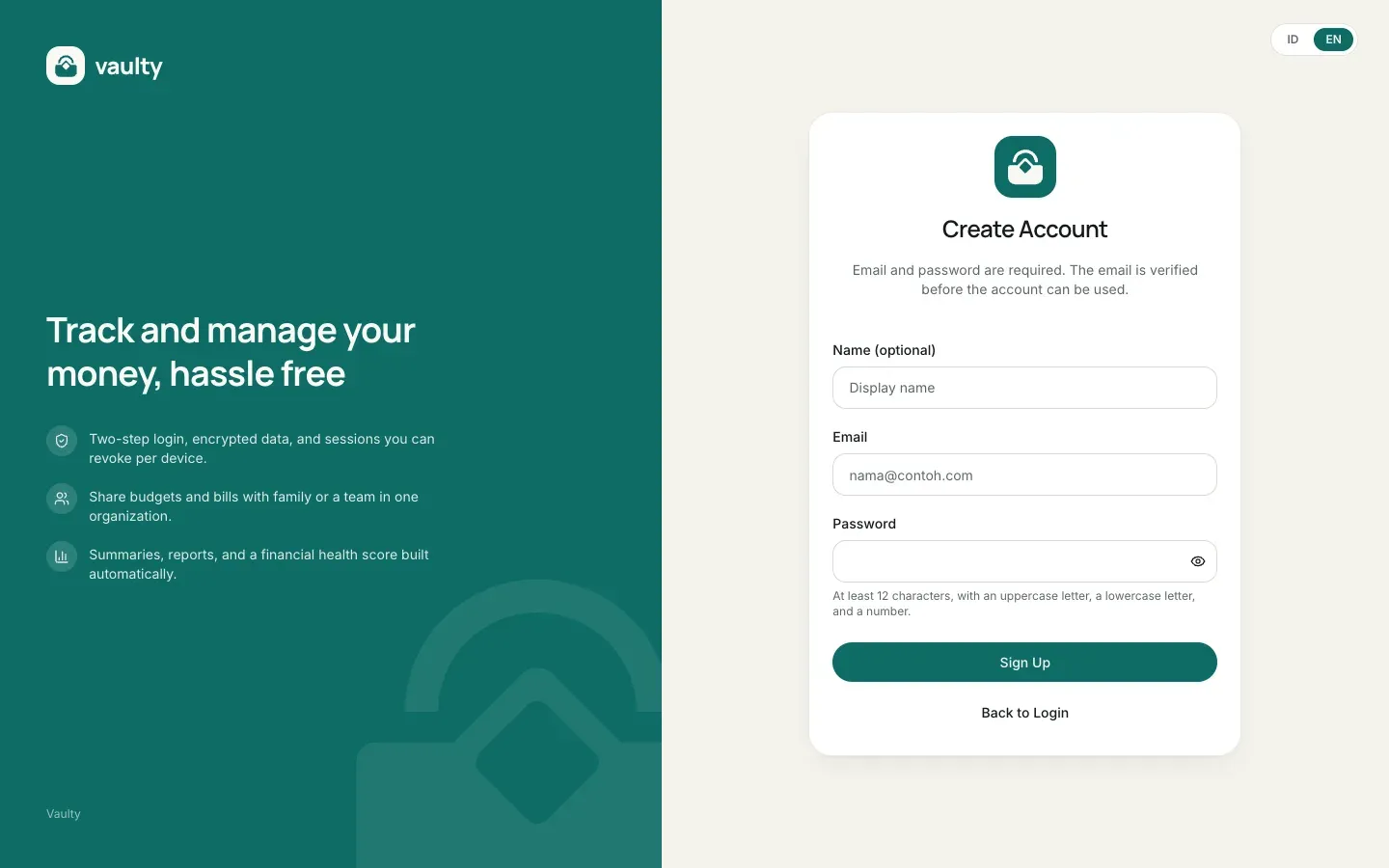
- Email and password. The password needs at least 12 characters with an uppercase letter, a lowercase letter, and a number. You need to check the Terms of Service and Privacy Policy agreement (both open in a popup, no need to leave the page) before the Sign Up button is enabled. After signing up we send a verification email. Click the link in it (valid for 24 hours) to activate your account.
- Continue with Google. Your account is active right away with no verification email. If your Google email is already registered with a password, the accounts are linked instead of duplicated. This path skips the checkbox in the form, so continuing with Google counts as agreeing to the Terms of Service and Privacy Policy.
Every new account gets a 14-day trial with no card. After verification (or when the Google account is created) you receive a welcome email, then move into onboarding to pick a recording currency and set up your workspace.
Log in
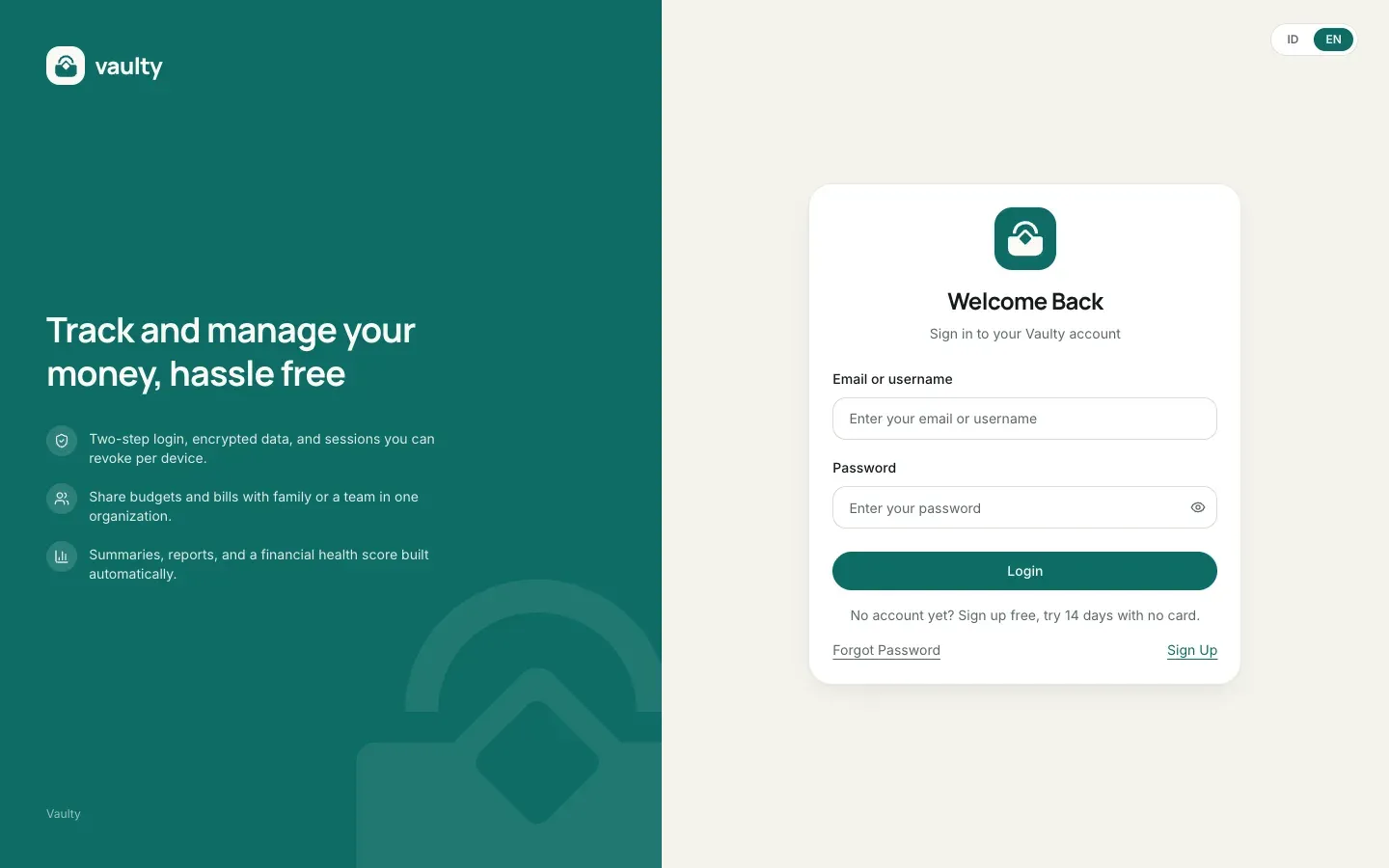
Section titled “Log in”Log in with your email or username and password, or the Google button. If you turned on two-step verification, you are also asked for a code from your authenticator app.
Forgot your password
Section titled “Forgot your password”Choose Forgot Password on the login page, enter your email, and follow the link we send (valid for 1 hour, single use). For safety, this page answers the same way whether or not the email is registered.
Account security
Section titled “Account security”In Settings you can:
- change your password (other devices are signed out),
- turn on two-step verification (Personal plan and above),
- see the devices currently signed in and sign them out.
What the pages look like
Section titled “What the pages look like”