Onboarding and product tour
Onboarding
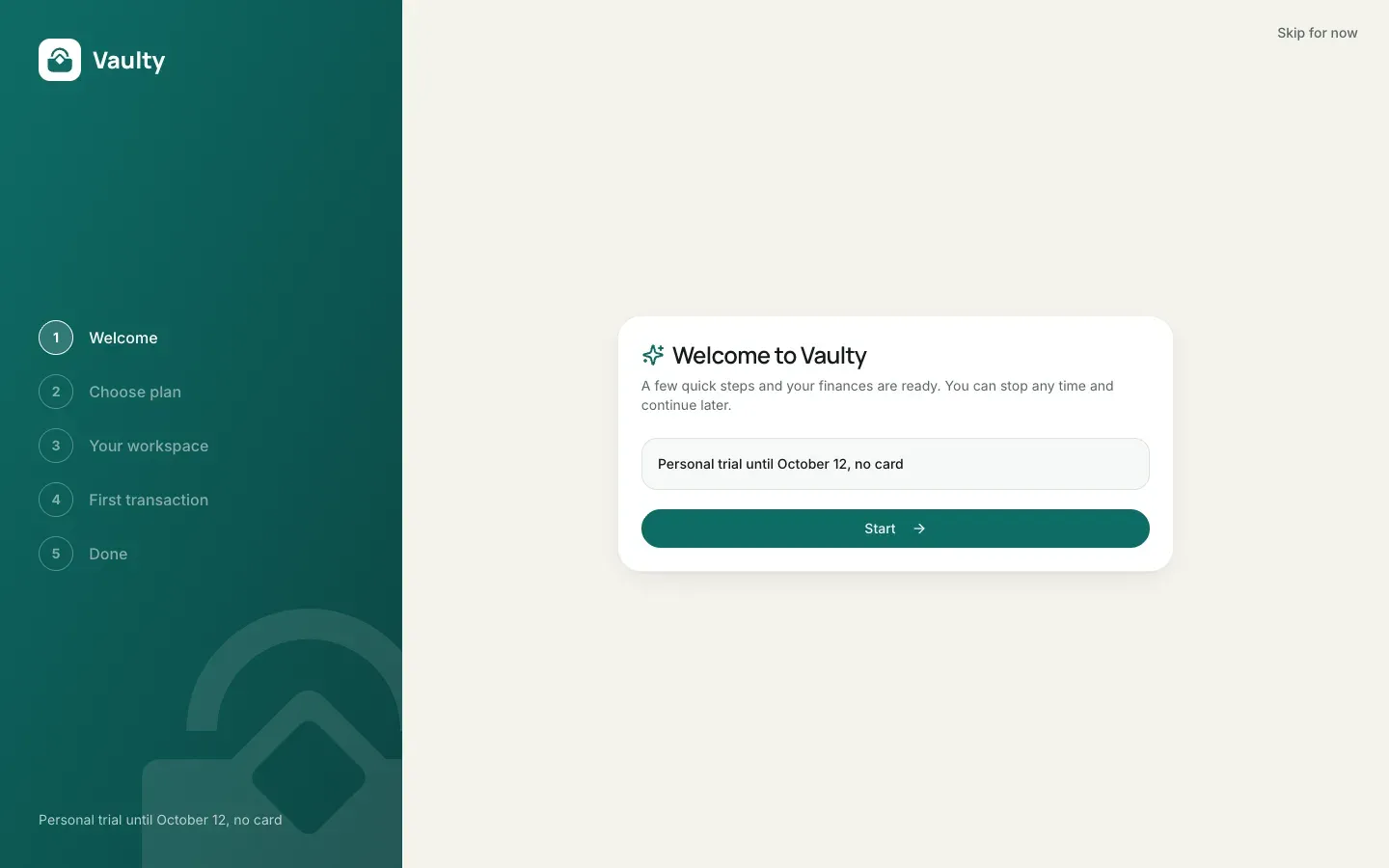
Section titled “Onboarding”The first time you sign in you go through five short steps:
- Welcome.
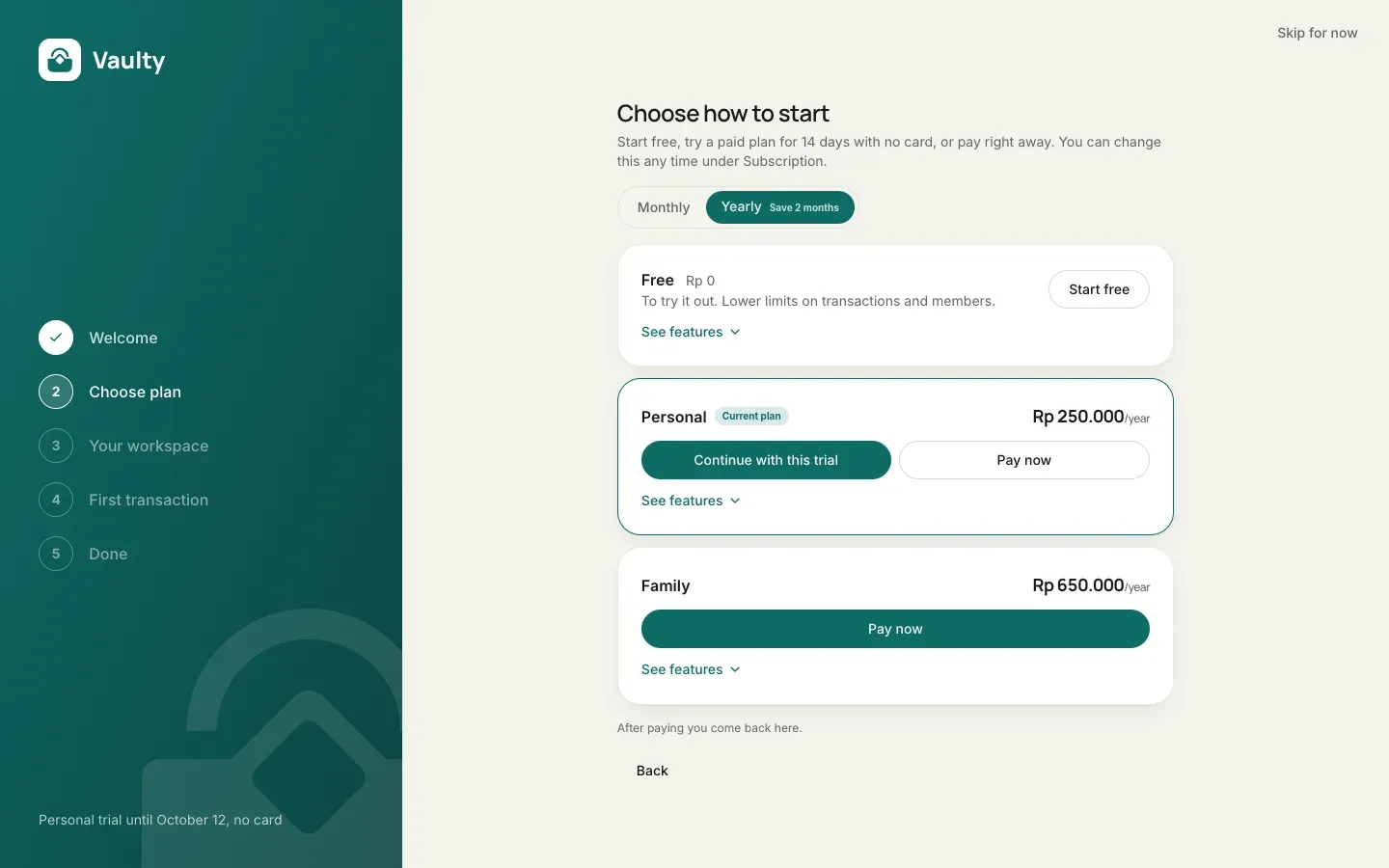
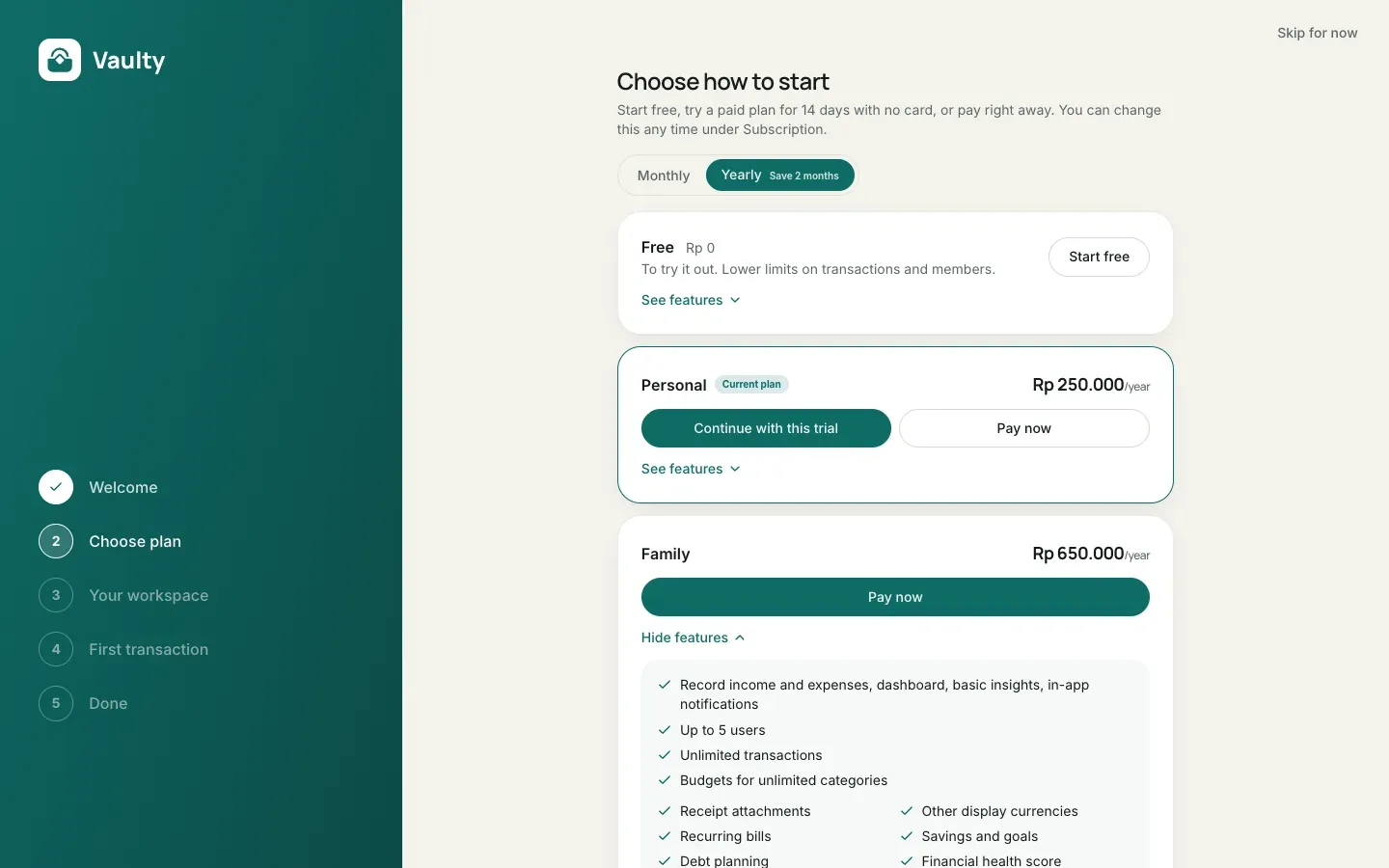
- Choose a plan. A 14-day Personal trial, the Free plan, or a paid plan right away. You can change it later.
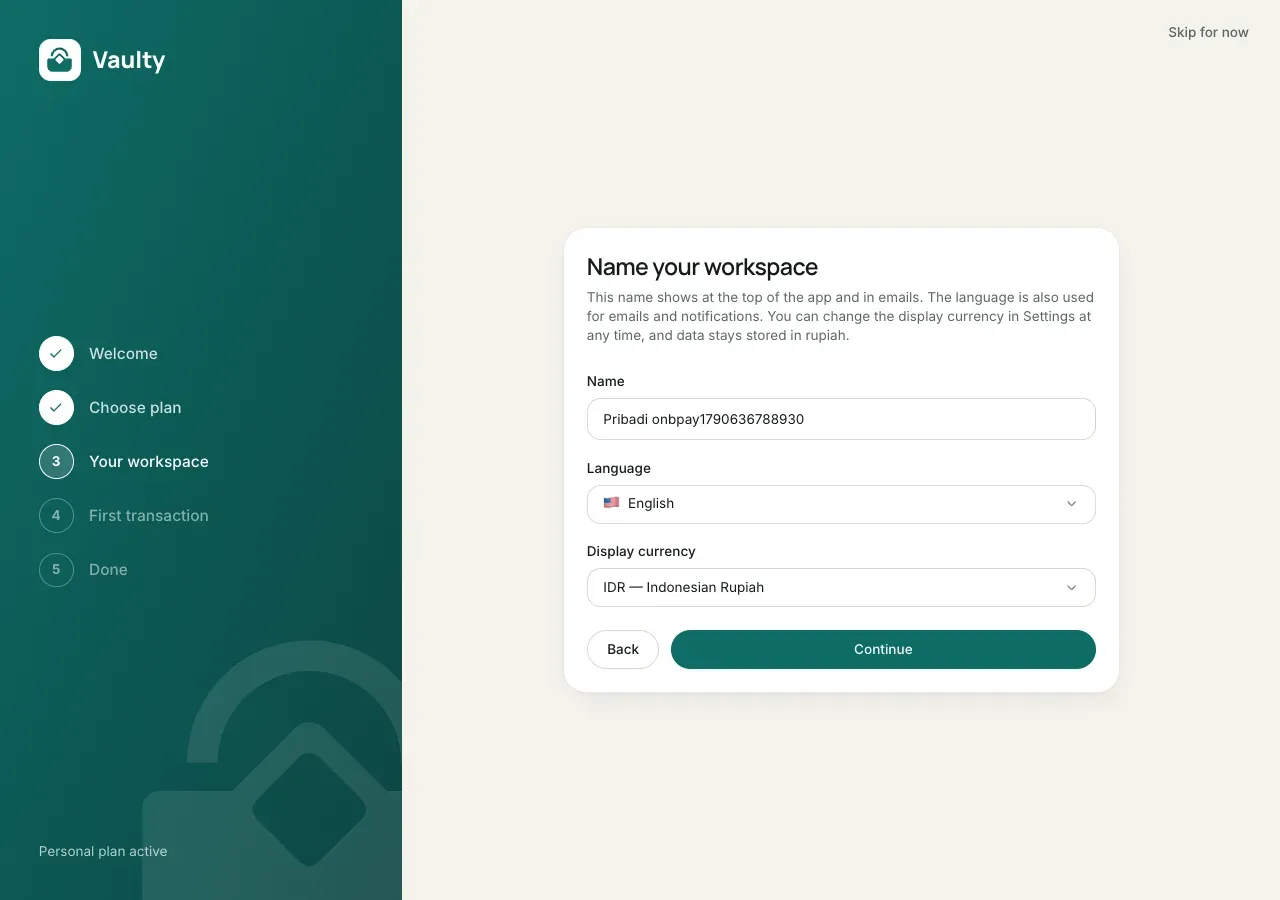
- Workspace. Workspace name, language, and display currency.
- First transaction. Use sample data, or skip.
- Done. A confirmation screen with a button to the dashboard.
Every step can be skipped with the button at the top right.
Product tour
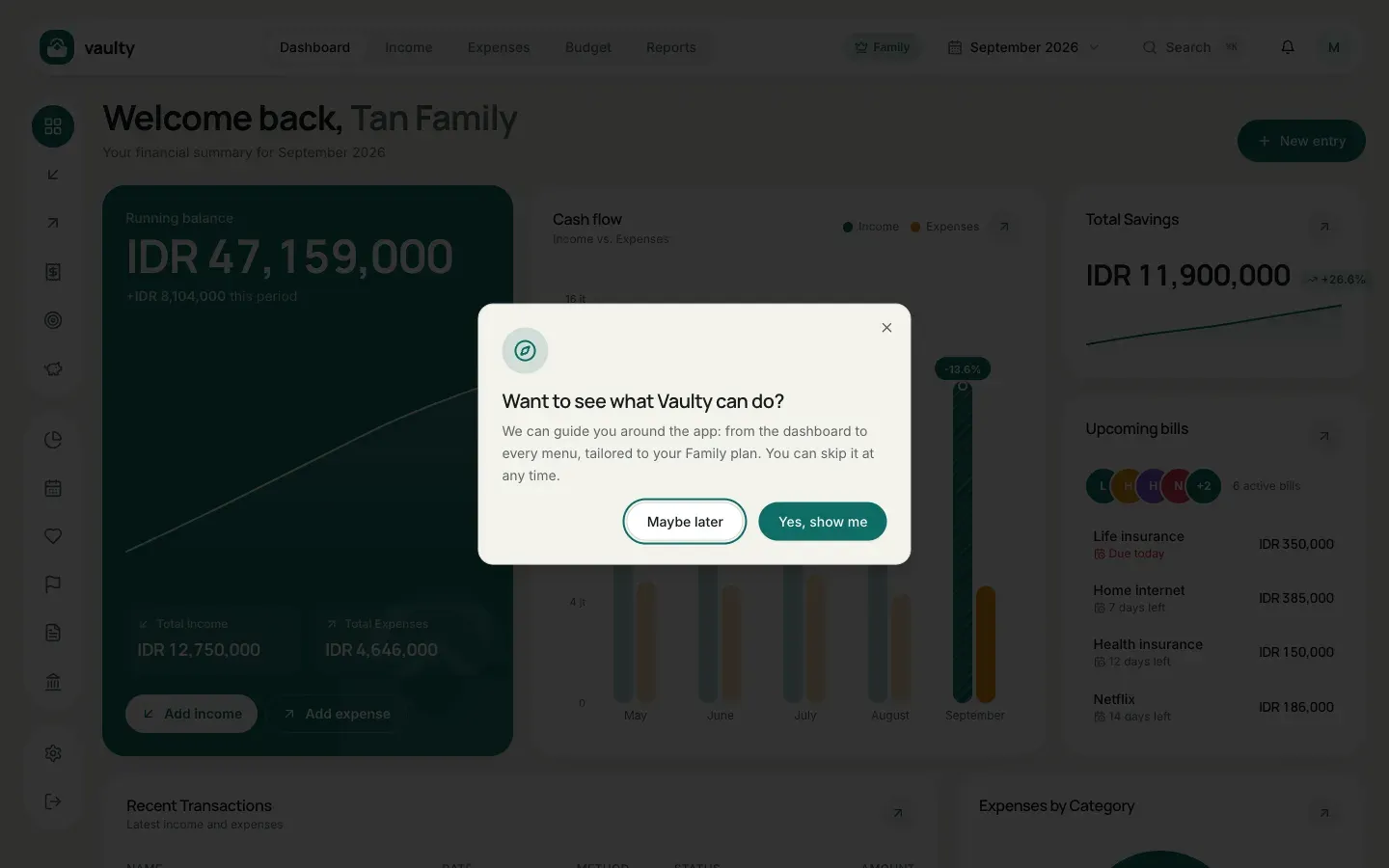
Section titled “Product tour”The first time you open the dashboard, Vaulty asks “Want to see what Vaulty can do?”.
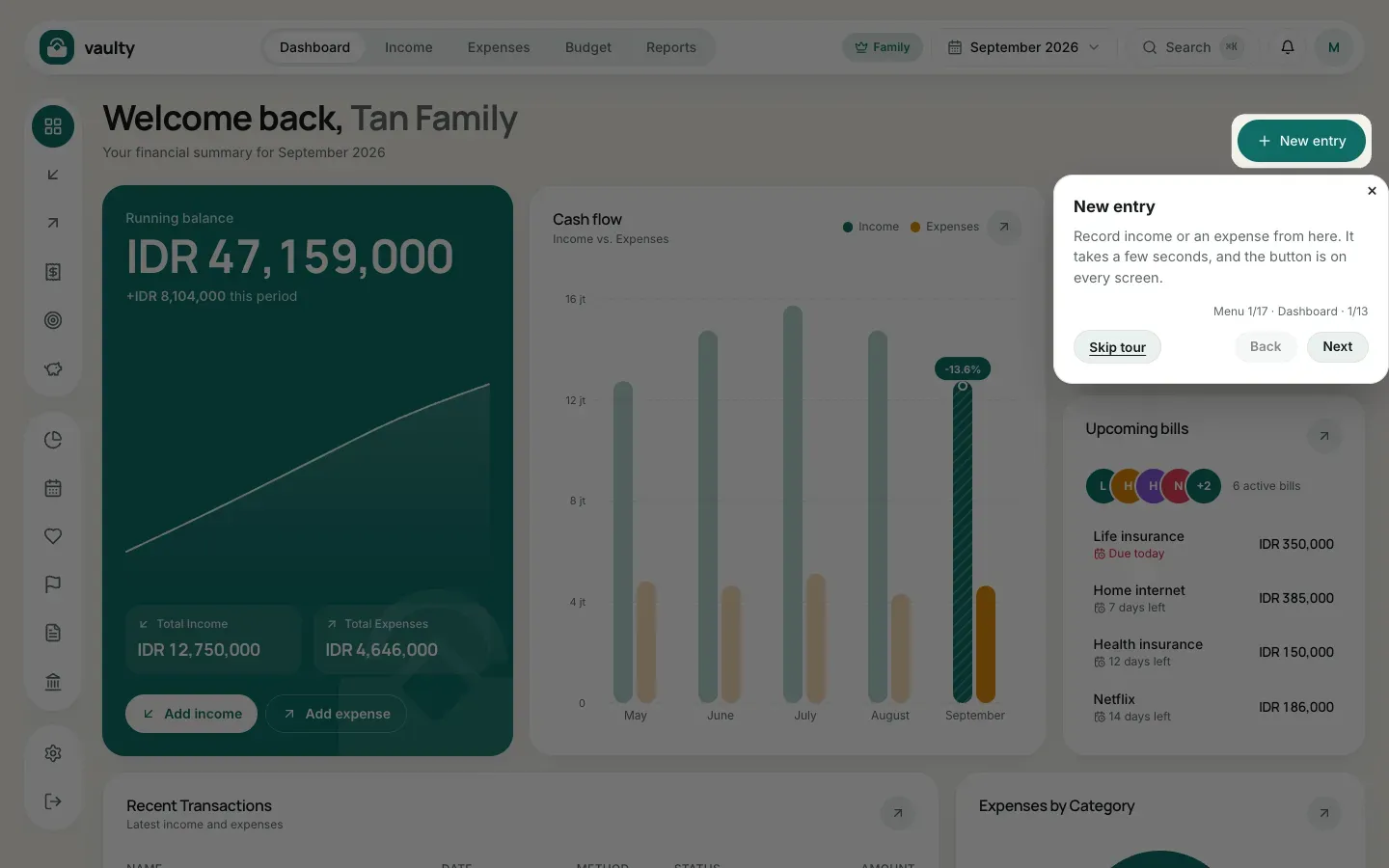
- Yes, show me: the tour runs from the dashboard through each menu, explaining what the menu does, its add button, and how to read its list.
- Maybe later: you are told the tour can be started again any time.
The tour fits your plan: pages outside your plan are skipped, and at the end there is a summary of features on higher plans. A Skip tour button is on every step.
Replay the tour
Section titled “Replay the tour”Open the account menu (the avatar at the top right on a computer, or the menu on a phone) and choose Product tour.
What it looks like
Section titled “What it looks like”Step 1, welcome:
Step 2, choose a plan. Click See features to open each plan’s details:
Step 3, your workspace:
If you pay right at step 2
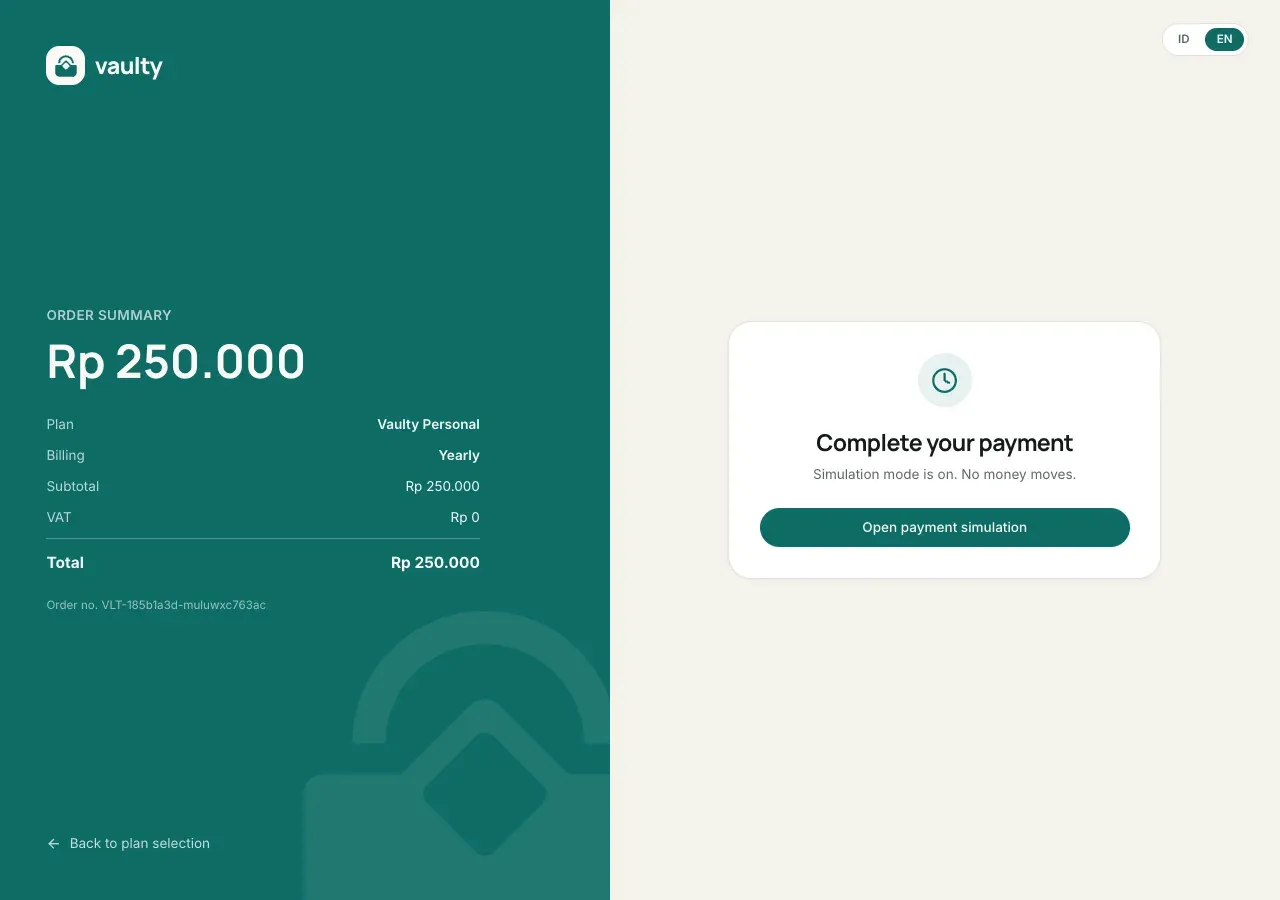
Section titled “If you pay right at step 2”Choosing Pay now on the “Choose plan” step opens the same payment page used by the Subscription menu in the dashboard: order summary on the left, embedded Midtrans payment options on the right.
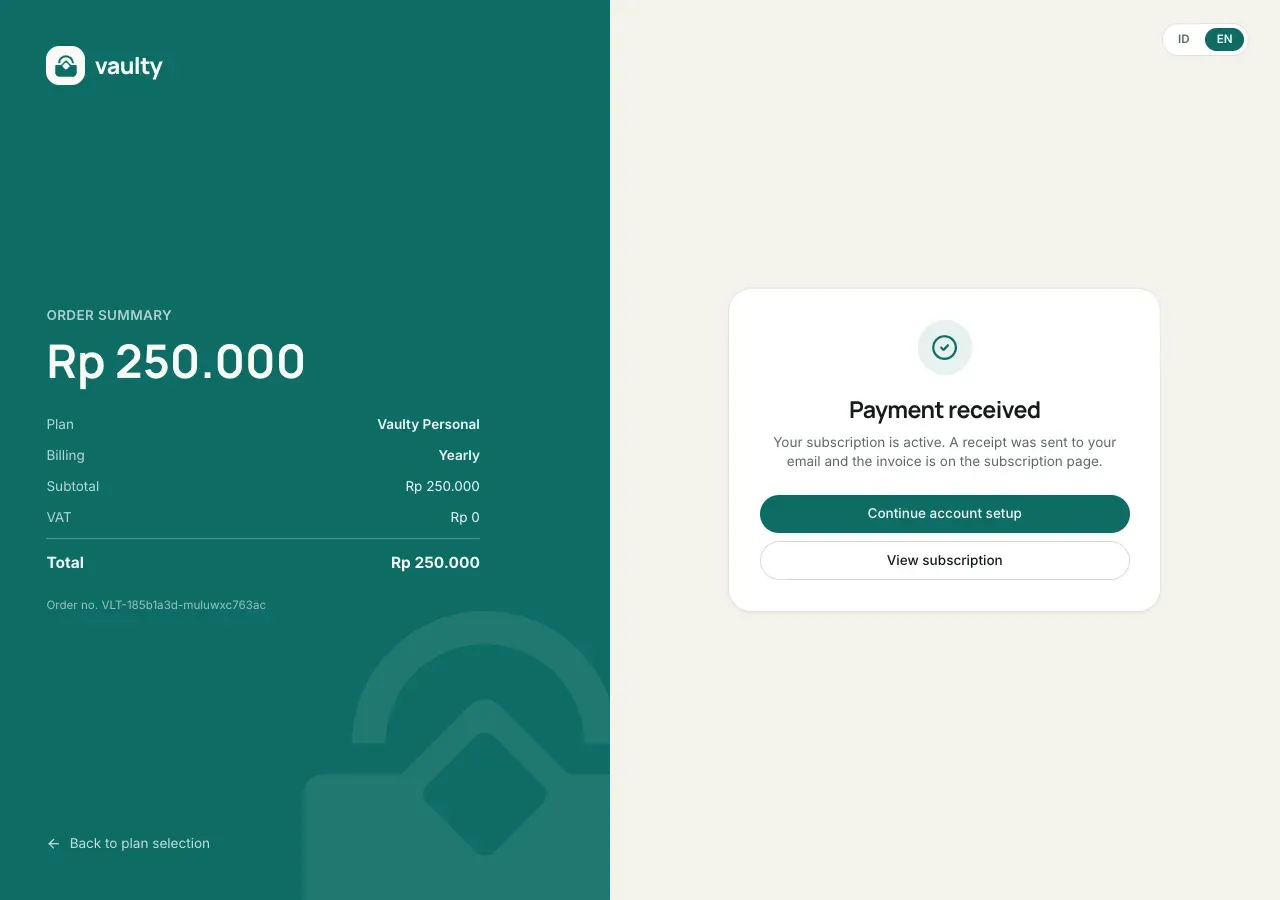
Once the payment is received, the Continue account setup button takes you back into onboarding, right at the “Your workspace” step (not back to step 1).
The tour question and its first step
Section titled “The tour question and its first step”